Sites, not jobs
Sitepack Clean talks about sites, supervisors and cleaners, not jobs and crews.
Sitepack Clean, for commercial cleaning teams
A QR poster on each site. Anyone can scan it and report what they saw, with no app or login. Your supervisors review it, assign the fix and check it was done.
Built in Brisbane. Works on any phone with a camera.
How it works
Real Sitepack Clean screens with a fictional office tower.
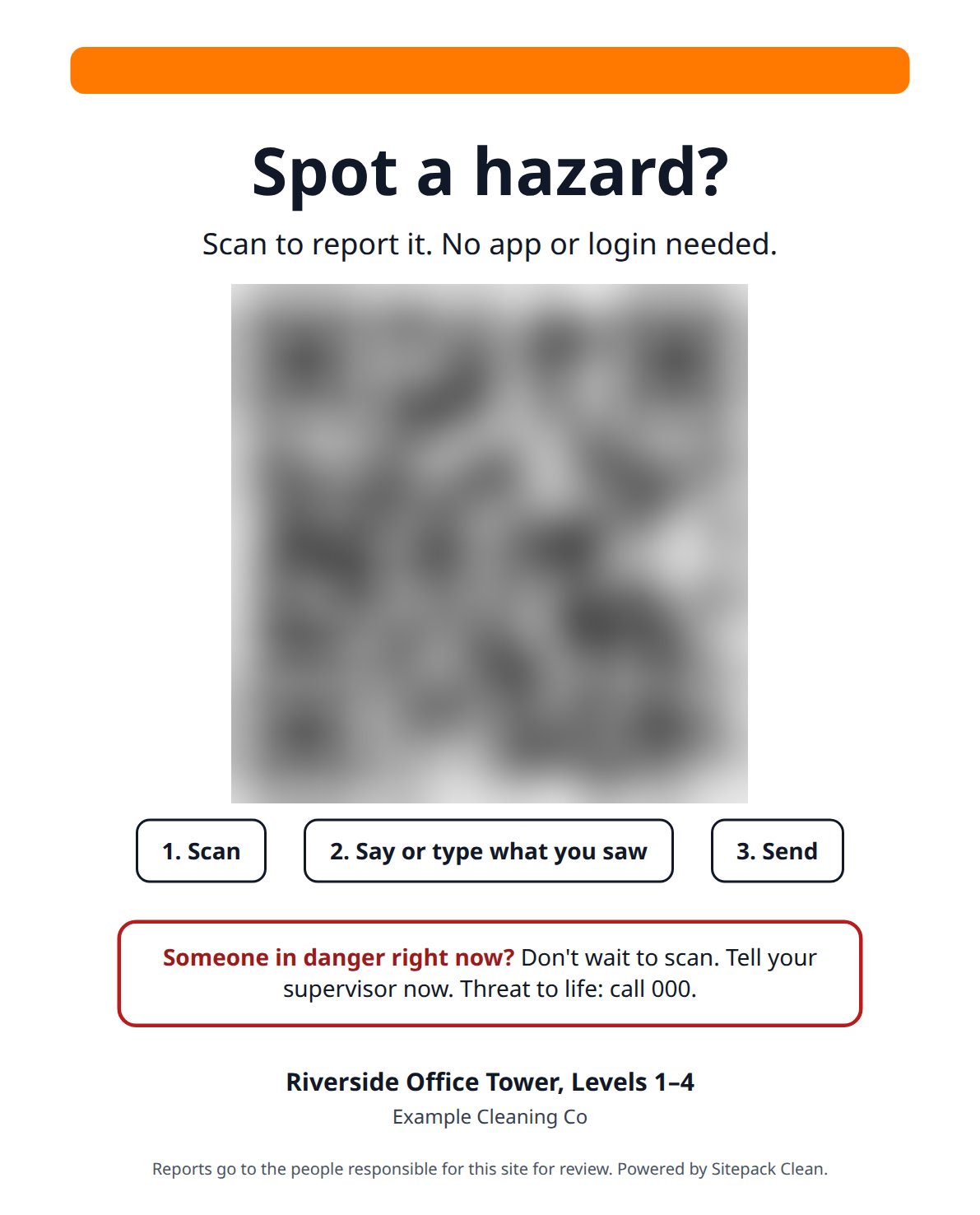
Print a QR poster for each building or site from Sitepack. You can replace or switch off a site’s code at any time.
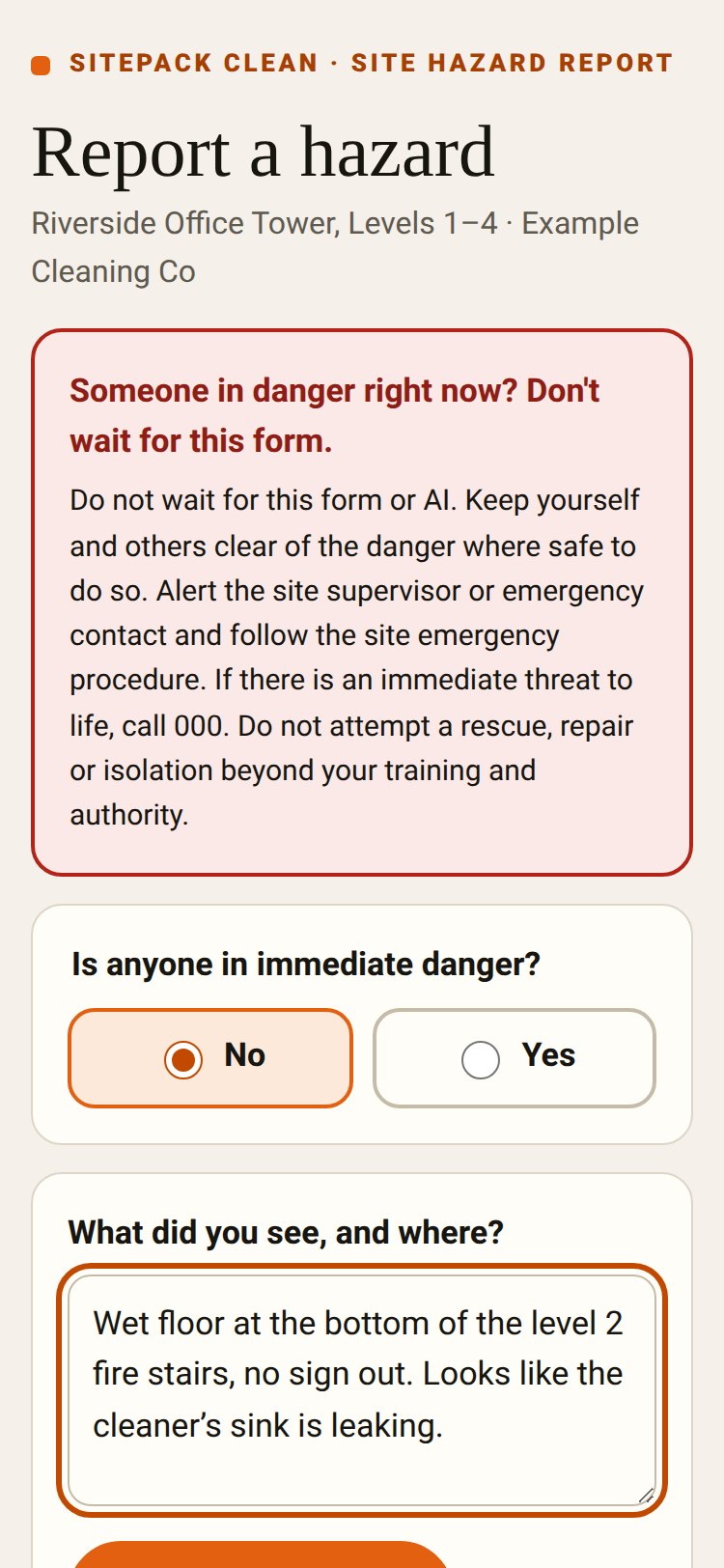
No app, no login, no account. Say or type what they saw, add up to three photos and flag if someone is in danger.
Owners and admins get an email alert. The report goes into review, gets assigned, and the fix is checked by a person before it’s closed.
The form tells people in danger not to wait: alert the supervisor and call 000 if there’s a threat to life. Sitepack records and routes reports. It doesn’t replace your site emergency procedures.
Set up for cleaning
Cleaning workspaces are set up as Sitepack Clean. Same app and records underneath, with wording and buttons for cleaning sites.
Sitepack Clean talks about sites, supervisors and cleaners, not jobs and crews.
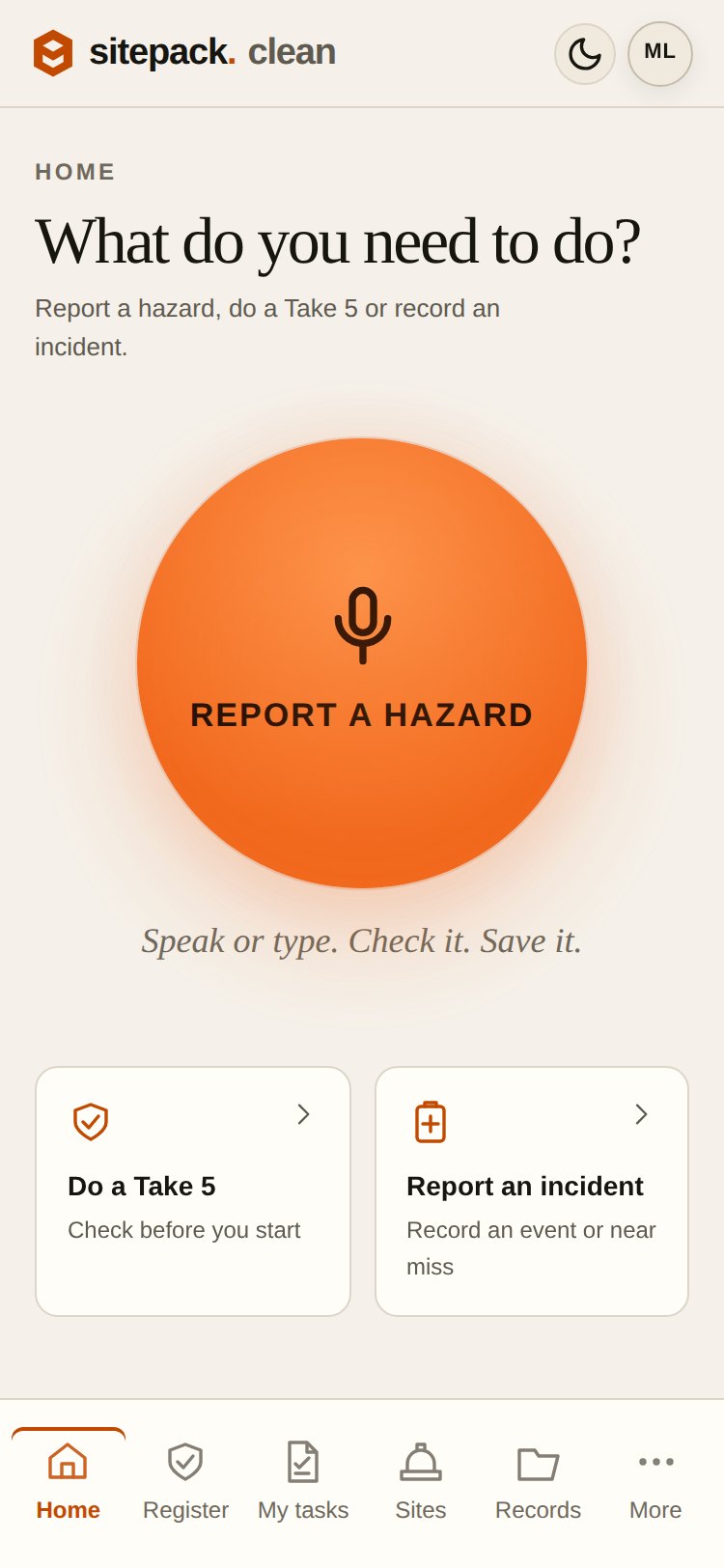
Home leads with report a hazard, Take 5 and incidents. Construction-only tools like SWMS and toolbox talks are hidden.
People who only report through the QR poster don’t need an account, so a big casual workforce doesn’t cost extra seats.
FAQ
No. A report starts the follow-up. A supervisor reviews it, assigns the fix and checks it was done. Submitting a report never authorises work or closes a hazard.
The owners and admins responsible for that site. The person who reported it gets a private status link for their own report only. The form never shows anyone else’s reports.
Only if they choose to give their name. Reporter details are optional and not verified, so treat them as what the reporter told you.
Owners and admins get an email alert and can acknowledge each report. Sitepack doesn’t yet chase or escalate reports nobody has acknowledged, so agree who checks them each day.
Pricing for cleaning teams is by enquiry. Ask about trying it on one or two of your sites first.
Not quite you?
The same Sitepack, set up for building projects or callouts.
Projects & sites
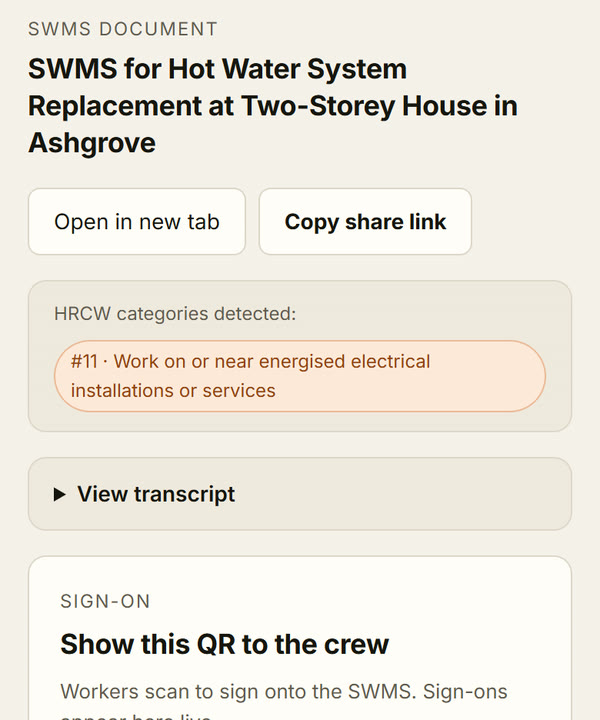
Jobs that run for days or weeks. Voice-drafted SWMS, crew sign-on by QR, and toolbox talks per job.
See how it works →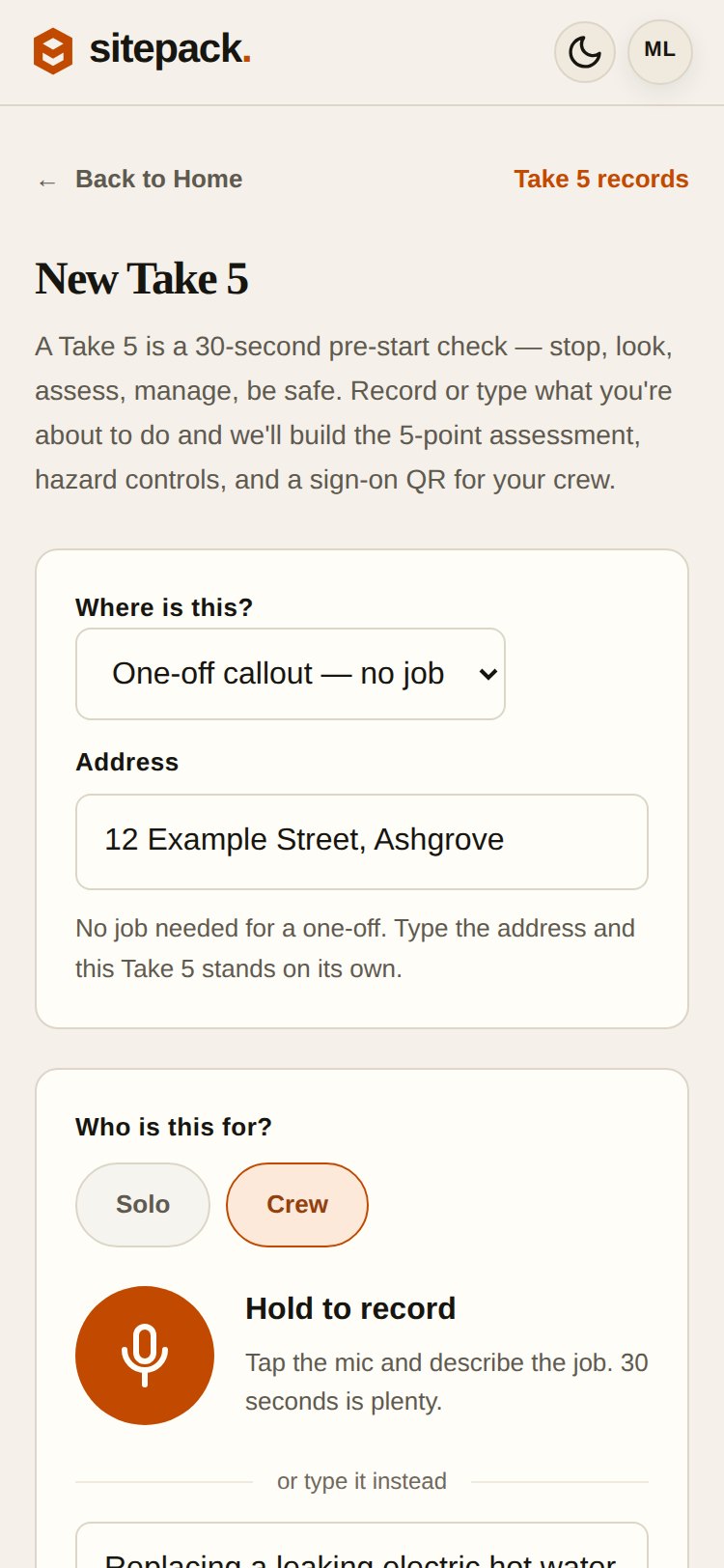
Callouts
Five addresses before lunch. Take 5s and SWMS against the address you’re at, with no job to set up.
See how it works →Fifteen minutes on a call. We’ll set up a poster for one of your sites and walk a report through to sign-off.
Or send an enquiry.